EA Exam Study Group: A Free Forum and Live Chat for SEE Candidates
How EA Dojo's free Study Group works: a searchable forum with Part 1, 2, 3 and tax practice categories, live chat rooms you can join with just a display name, and a Chat button that opens the chat from any page.
Last reviewed: November 10, 2026. Describes the Study Group live on eadojo.org on that date.
Studying for the Enrolled Agent exam alone is hard to sustain. EA Dojo's free Study Group gives you two places to work through it with other candidates: a forum for questions that need a careful answer, and live chat rooms for quick back-and-forth. You can join with just a display name, without an email address.
Keep taxpayer information and other people's personal details out of every post. Preparers have a legal duty to protect client data; see the IRS guide Protect your clients; protect yourself.
Forum or chat: which to use
| Forum | Chat | |
|---|---|---|
| Best for | A tricky question that deserves a worked answer | Quick questions, motivation, study check-ins |
| Where | Study Group | Study Group chat or the Chat button on any page |
| Categories or rooms | Lounge, Part 1, Part 2, Part 3, Tax Practice | Lounge, Part 1, Part 2, Part 3, Tax Practice |
| Length | Titles up to 160 characters, posts up to 4,000 | Messages up to 2,000 characters |
The forum
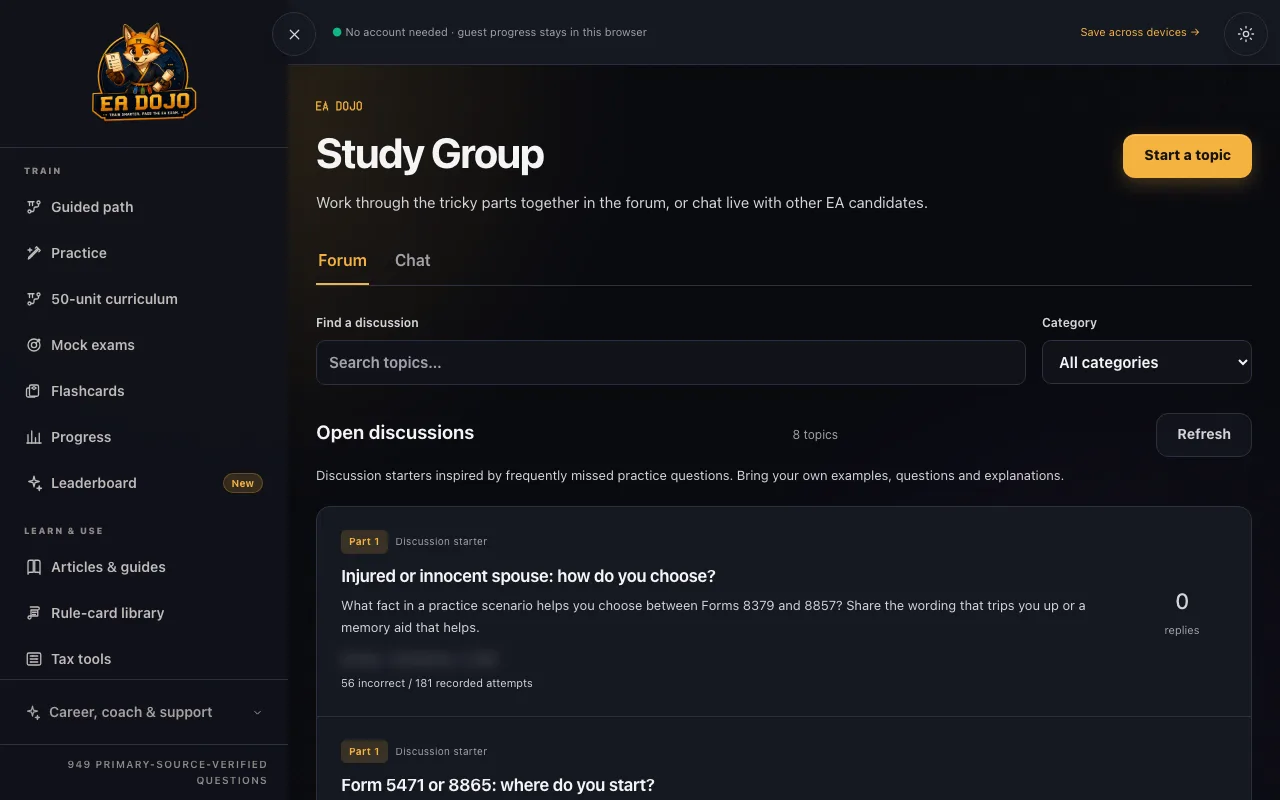
- Search topics and filter by category.
- Start a topic or reply once you have chosen a display name.
- EA Dojo posts eight starter discussions drawn from frequently missed practice topics, such as AMT, partnership basis and FBAR records. They are labeled as EA Dojo starters.
- You can remove your own posts.
The live chat
- Join as a guest with a display name, use your EA Dojo account name, or sign in as an existing member with an emailed 6-digit code. Room sign-in never adds you to marketing email.
- Reply to messages, react with emoji, and delete your own messages.
- You can choose to save message drafts on your device for 7 days.
Chat from any page
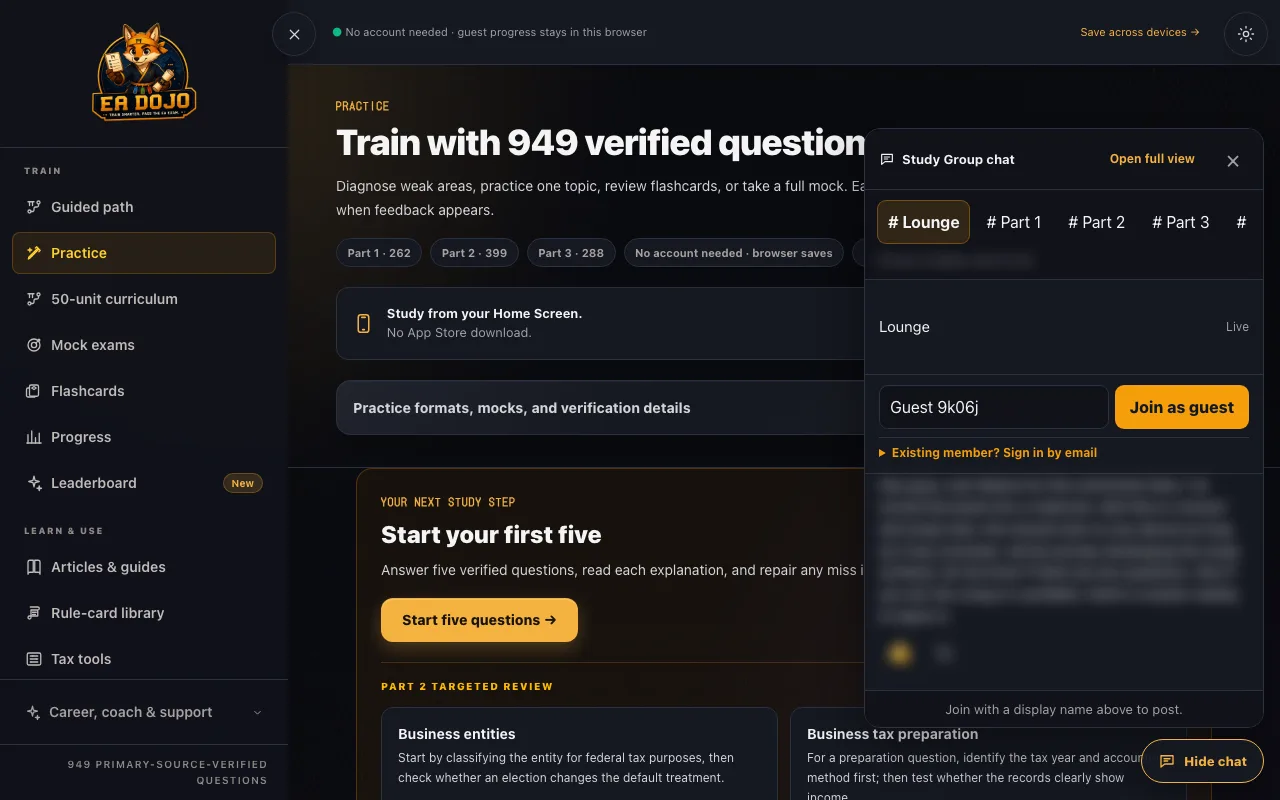
A Chat button sits in the bottom-right corner of every EA Dojo page. It opens the chat in a panel, so you can ask about the question in front of you without leaving your practice round. Press Escape or Hide chat to close it, or Open full view to go to the Study Group page.
How to ask a question that gets answered
- Name the part and topic in the first line, for example "Part 2: partnership basis".
- Describe the practice question in your own words. Do not paste copyrighted course material.
- Say which step confused you and what you thought the answer was.
- Link the related rule card or study unit if you know it.